
What is FiscoBridge?
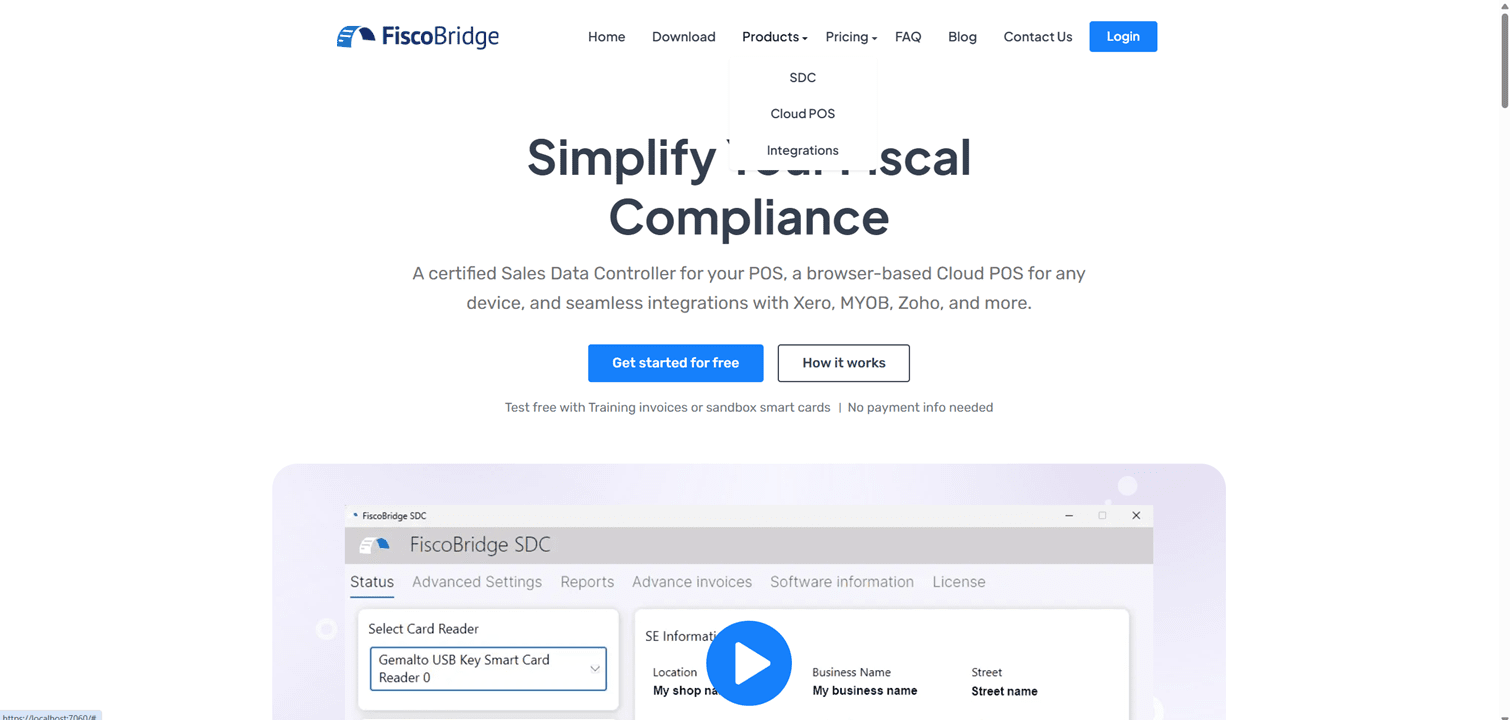
FiscoBridge is a fiscal compliance platform built for businesses in the Pacific Islands region — including Fiji, Samoa, and Vanuatu. It helps you meet tax authority requirements by automatically signing, reporting, and managing your invoices.
The Four Products
FiscoBridge offers four products, each designed for a different way of working:
Integrations
Connect your existing accounting software — Xero, MYOB, Zoho Books, Odoo, and others — directly to FiscoBridge. Your invoices are automatically synced and fiscalized without any manual work.
Desktop POS
A full point of sale for retail and hospitality, running on Windows, macOS, and Linux with fiscalization built in through the SDC. It includes inventory, shifts, table management, and reports, and keeps selling even when you're offline. Choose this if you need a complete point of sale rather than just fiscalization.
Sales Data Controller (SDC)
A lightweight desktop application that connects to your existing POS system. It runs on Windows or macOS and handles invoice signing and fiscal reporting in the background. If you already have a POS system and need to add fiscal compliance, SDC is for you.
Web Invoicing
A browser-based fiscal invoicing tool — no software to install. You upload your PFX certificate, open Web Invoicing in any browser, and start issuing fiscally signed invoices immediately. Ideal if you don't have a POS system yet or want a simple, portable solution that works on any device.
How It All Fits Together
No matter which product you choose, the core workflow is the same:
You create an invoice — either through your POS, Web Invoicing, or accounting software
FiscoBridge signs it — using your tax authority-issued digital certificate
FiscoBridge reports it — automatically sending the data to the tax authority
You get a fiscal receipt — with a verification URL and QR code for compliance
Accreditation
FiscoBridge SDC is officially accredited for:
Fiji — FRCS VMS v3
Samoa — TIMS
Vanuatu — VSMS
This means your invoices are fully recognized by the respective tax authorities.
Next Steps
Create your account to get started
Buy a license for the product that fits your needs
Navigate the portal to manage your licenses and invoices