
Navigating the Client Portal
The Client Portal at client.fiscobridge.com is where you manage all your FiscoBridge products — licenses, certificates, invoices, and integrations.
Dashboard
When you log in, the first thing you see is the Dashboard. It gives you a quick overview of your account:
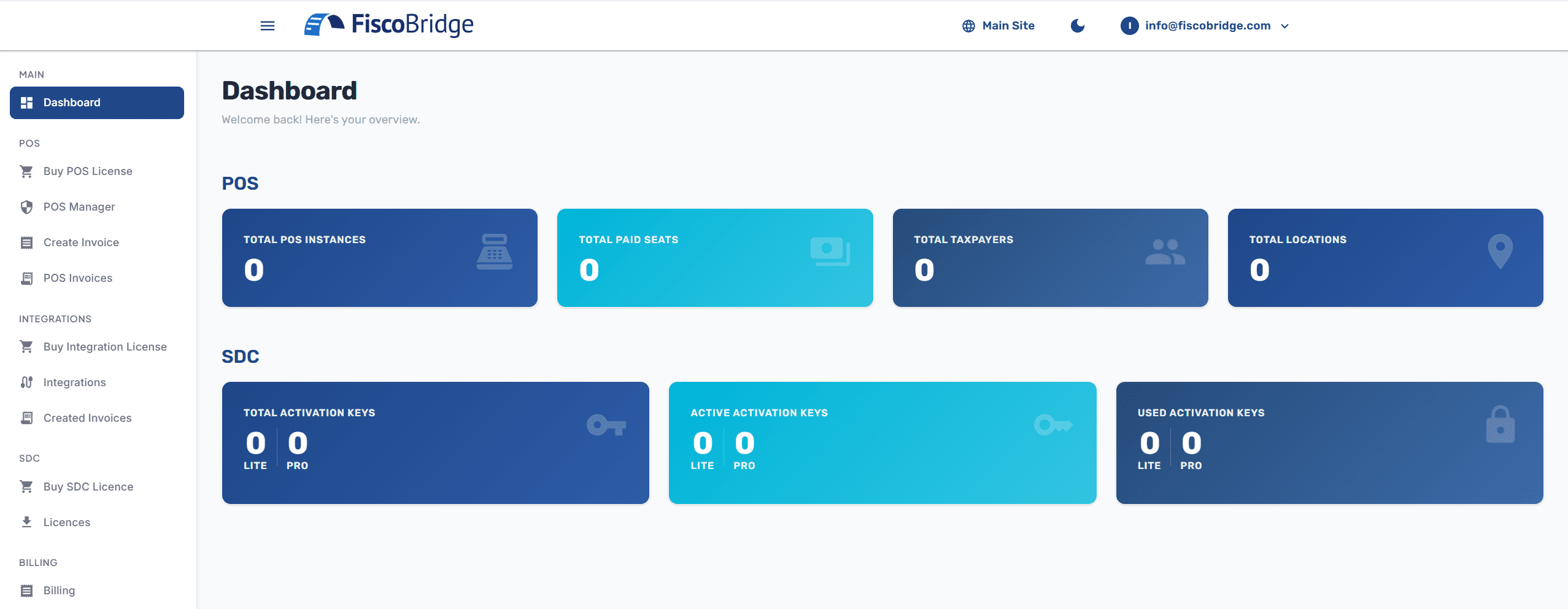
The dashboard shows a summary card for each product you use:
Integrations — your connected platforms and monthly invoice usage
SDC — total and active activation keys
Desktop POS — total and active licence keys
Web Invoicing — instances, taxpayers/locations, and invoices issued
Sidebar Menu
The left sidebar is your main navigation. It's organized by product:
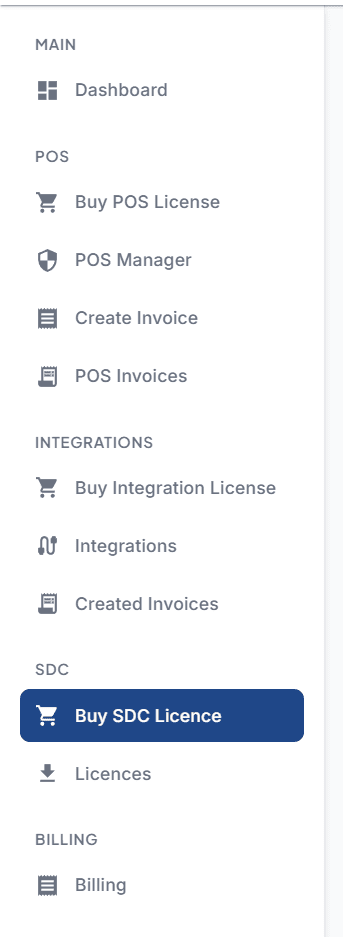
Main
Dashboard — Your account overview
Integrations
Buy Integration Plan — Purchase integration plans
My Integrations — Manage your connected platforms
Fiscal Invoices — View invoices fiscalized through your integrations
Desktop POS
Buy POS Licence — Purchase Desktop POS licences
Desktop POS Licences — View and manage your Desktop POS licences
SDC
Buy SDC Licence — Purchase SDC activation keys
SDC Licences — View and manage your SDC activation keys
Web Invoicing
Buy Plan — Purchase or manage your Web Invoicing subscription
Invoicing Manager — Upload and manage PFX certificates
Create Invoice — Issue a new fiscal invoice
Invoices — View all invoices issued through Web Invoicing
Billing
Subscriptions — View active Web Invoicing and Integration subscriptions, seats, and renewal dates
Invoices — View your FiscoBridge payment invoices
Top Bar
The top-right corner of the portal has:
Theme toggle — Switch between light and dark mode
User menu — Access your profile or sign out

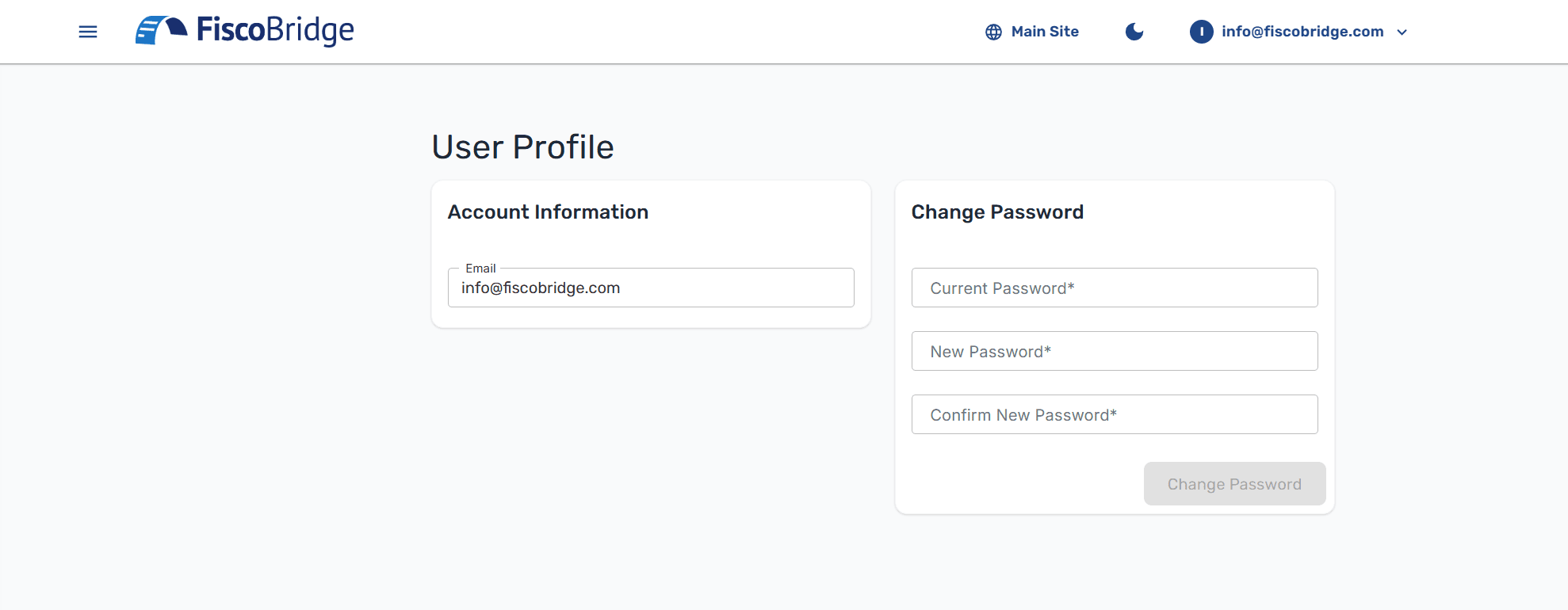
Profile
Click on your user icon and select Profile to:
View your registered email address
Change your password
Mobile Access
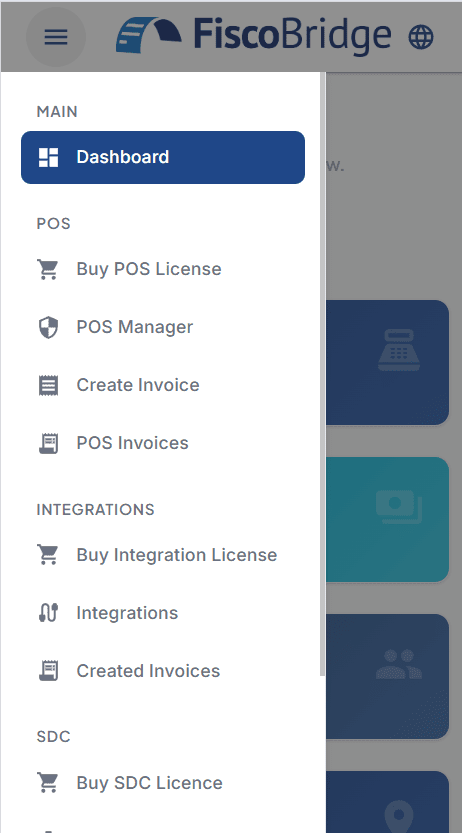
The portal is fully responsive. On smaller screens, the sidebar collapses into a hamburger menu that you can toggle open and closed.
Next Steps
Choose the product you're working with to continue:
SDC Overview — If you're using the desktop SDC application
Web Invoicing Overview — If you're using the browser-based POS
Integrations Overview — If you're connecting accounting software