
Creating an Account
To use FiscoBridge products, you need a FiscoBridge account. This guide walks you through registering and logging in for the first time.
Registration
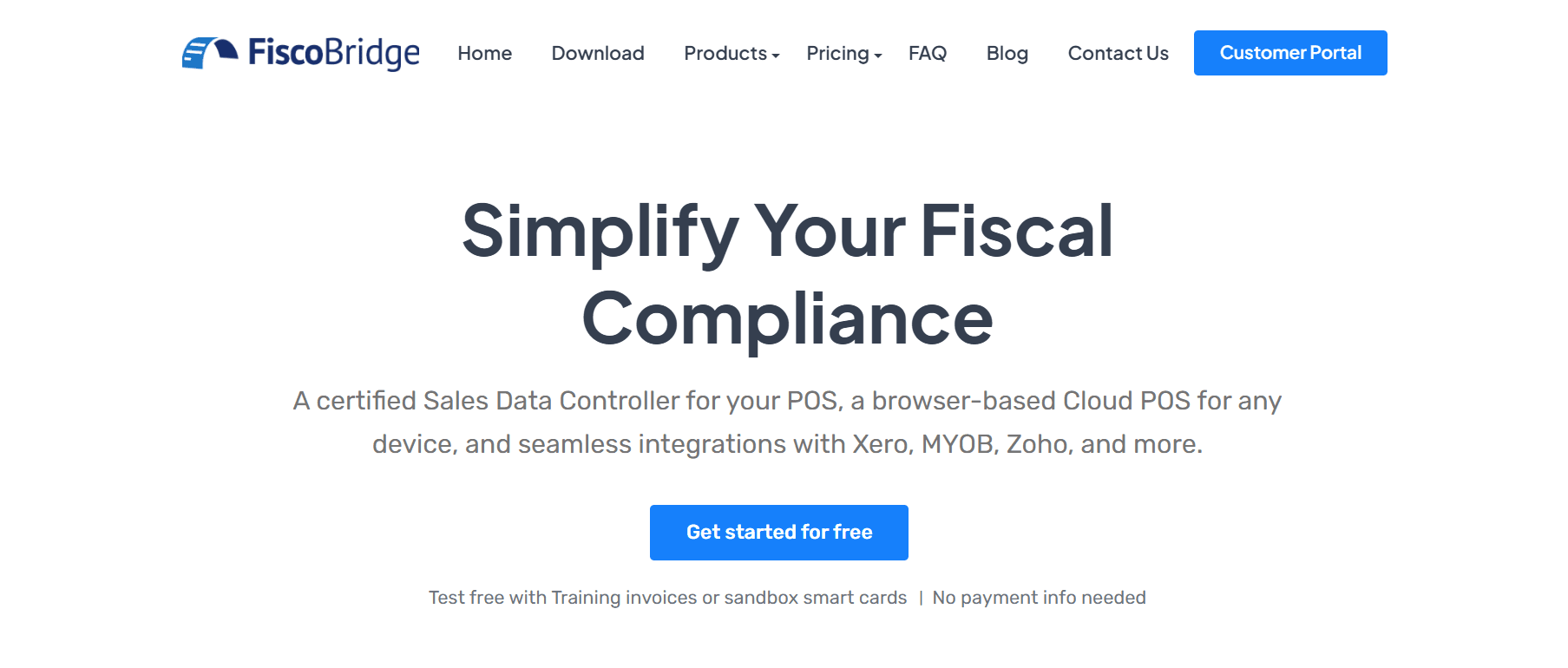
- Visit fiscobridge.com
- Click Customer Portal in the top-right corner of the navigation bar
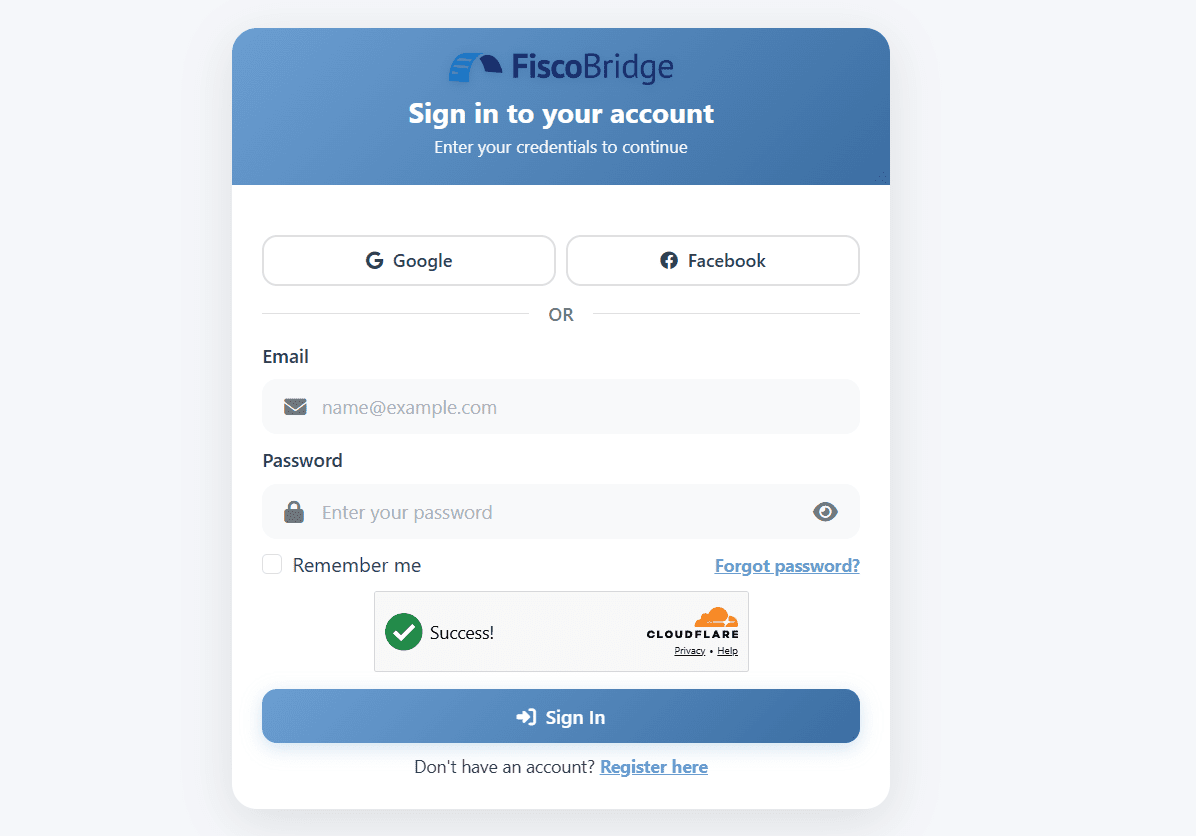
On the login page, click Register or Create an account
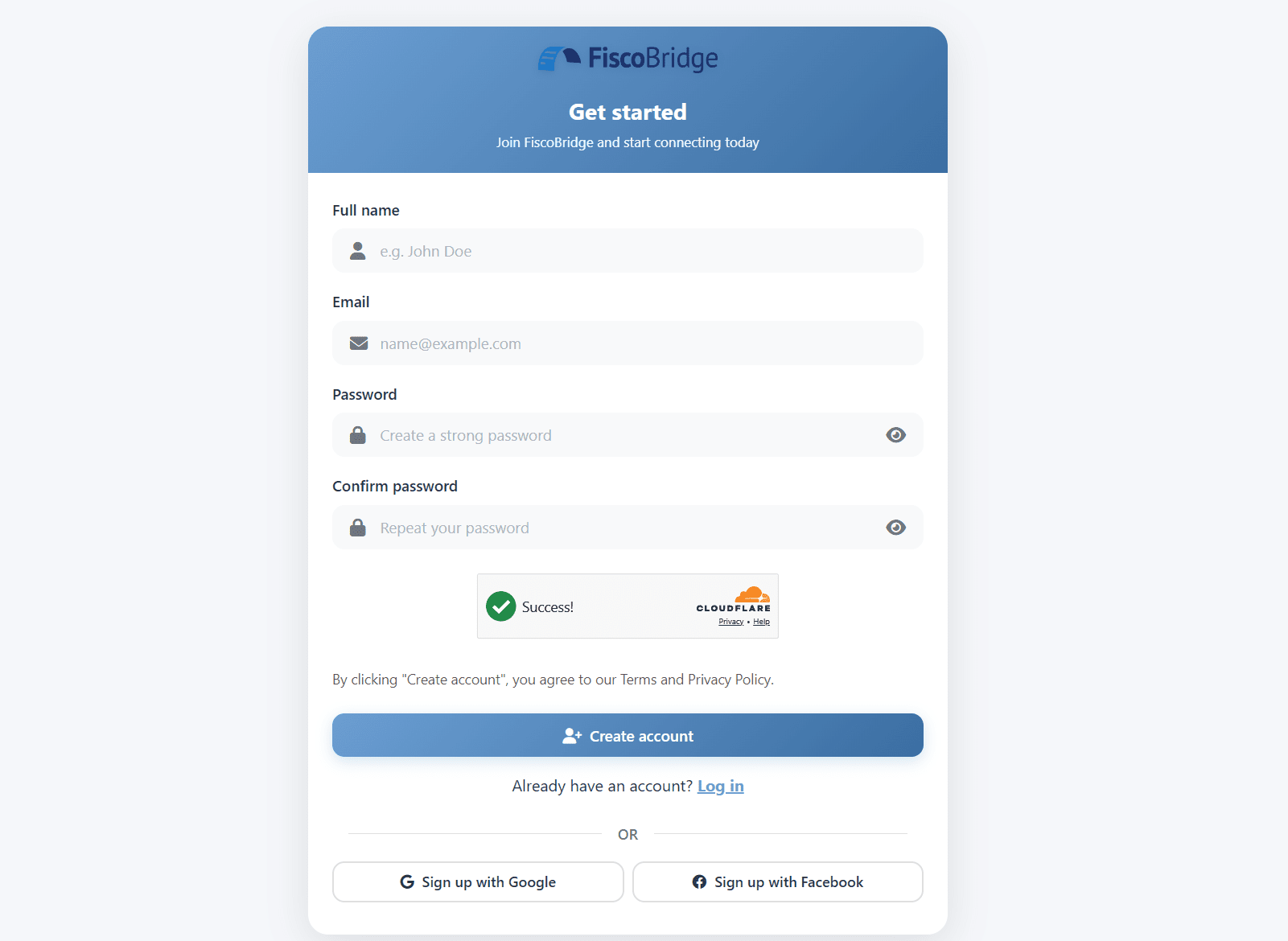
Fill in your details:
- Email address — this will be your username
- Full name
- Password — must be at least 8 characters
Confirm your password and submit the form
Tip: Use your business email address. This is where license confirmations, invoices, and support replies will be sent.
Logging In
- Go to fiscobridge.com and click Customer Portal in the top-right corner
- Enter your email and password
- You are taken straight to the Customer Portal at client.fiscobridge.com
You can also open the Customer Portal directly at client.fiscobridge.com, or from the Customer Portal link in the footer of fiscobridge.com.
Changing Your Password
Once logged in to the Customer Portal:
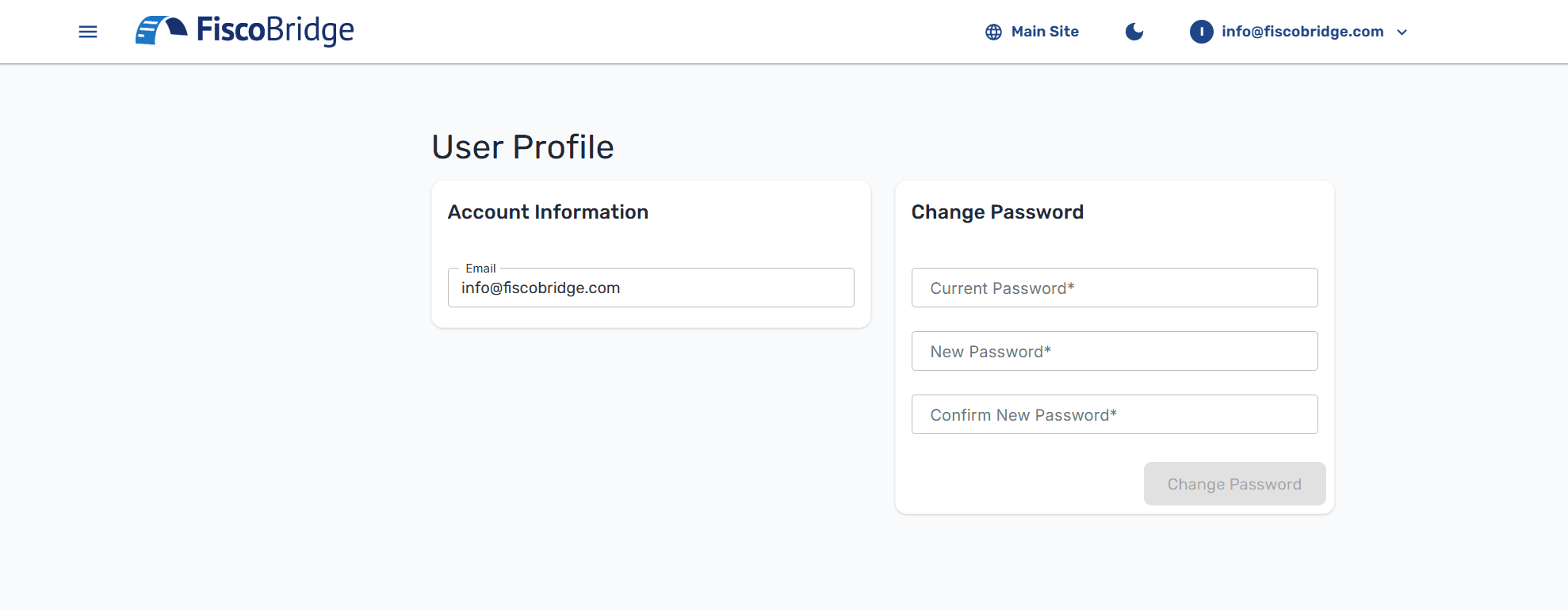
- Click on your user icon in the top-right corner
- Select Profile
- Enter your current password
- Enter and confirm your new password
- Click Change Password
Note: If you forget your password, use the Forgot Password link on the login page. A reset link will be sent to your email.
Next Steps
- Buy a license for SDC, Web Invoicing, or Integrations
- Navigate the portal to explore the dashboard